
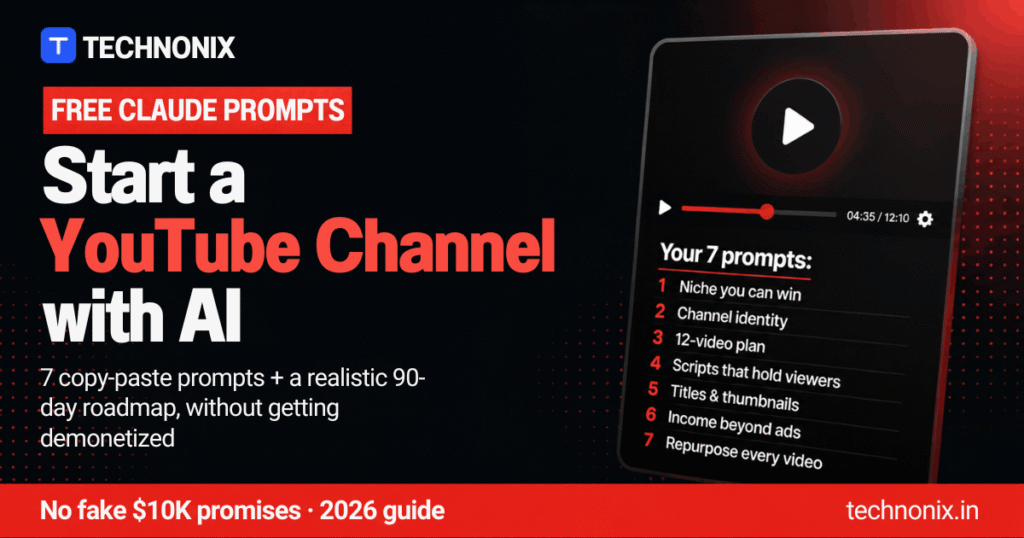
Quick answer: Claude can plan, script and package your YouTube videos for free, but it cannot make a channel successful on its own. Use the 7 Claude prompts for YouTube below to pick a niche, build a channel identity, plan 12 videos, write scripts, create titles and thumbnails, plan income beyond ads and repurpose every video. Add your own voice, research and experience to every video, because YouTube does not monetize mass-produced AI content. Expect to spend 90 days building, not 90 days to $10,000 a month.
You have probably seen the viral threads: “Claude can build you a full AI YouTube channel, for free, monetized in 90 days.” The prompts in those threads are a useful start. The promises are not. Most new channels need more than 90 days to qualify for ad revenue, and YouTube now removes channels that publish generic, mass-produced AI videos from its Partner Program.
This guide gives you 7 improved Claude prompts for YouTube that work on the free plan, plus the rules that decide whether an AI-assisted channel gets paid, a realistic 90-day roadmap, and honest earnings expectations for creators in the US and India.
Be realistic: AI makes researching, scripting and editing much faster. It does not replace the things YouTube and viewers reward: a clear point of view, real knowledge, and videos that are genuinely useful or entertaining. Use Claude as your producer, not as the whole channel.
What YouTube Pays For (and What Gets AI Channels Rejected)
Before you use any Claude prompts for YouTube, know the rules. According to YouTube’s Partner Program help page, you can apply to earn ad revenue when you reach either:
- 1,000 subscribers and 4,000 qualified watch hours on long videos in the last 12 months, or
- 1,000 subscribers and 10 million Shorts views in the last 90 days.
You also need 2-Step Verification, a linked AdSense account, no active Community Guidelines strikes, and to live in a country where the program is available (both the US and India are). YouTube has announced updated Partner Program terms from February 1, 2027, which monetized creators must accept in YouTube Studio by January 31, 2027, so check the help page for the latest thresholds.
The inauthentic content rule
In July 2025 YouTube renamed its “repetitious content” policy to inauthentic content, and it tightened enforcement again in 2026. Its monetization policy says these are not eligible for ads:
- Content made with generic templates that gives the impression of mass production.
- Image slideshows, templated storylines or scrolling text with little or no narrative.
- Videos where characters are put in the same situation again and again with the same outcome.
- AI-generated personas presenting as experts on sensitive topics, such as AI podcast hosts giving financial advice.
Using AI is still allowed. YouTube gives examples like using AI to edit your scripts or create a unique background visual, as long as the final video shows your creative vision and has real educational or entertainment value. That is exactly how the Claude prompts for YouTube below are designed.
When you must label AI content
YouTube requires you to disclose realistic AI-generated or altered content, such as a real person appearing to say something they never said or a realistic scene that never happened. You do not need to disclose using AI for an outline, script, thumbnail, title or captions, or cloning your own voice for voiceovers.
What You Need to Start
Here is the simple toolkit that works alongside these Claude prompts for YouTube:
- Claude (free plan): for research, planning and scripts. See our Claude review for what the free and Pro plans include.
- A microphone and your own voice: a basic USB or phone mic is enough to start. Your voice is the easiest way to make a channel feel original. If you prefer AI narration, ElevenLabs can clone your own voice, which YouTube says does not need a label.
- A thumbnail tool: Canva has a free plan with YouTube thumbnail templates.
- A video editor: Descript lets you edit video by editing the transcript, which suits talking-head and tutorial videos.
- A keyword tool: vidIQ (free plan available) or simply YouTube’s own search suggestions.
7 Free Claude Prompts for YouTube
Use these Claude prompts for YouTube in order. Replace everything in [square brackets] with your own details, and paste in real data wherever a prompt asks for it. Claude cannot see live YouTube statistics, so any numbers it guesses on its own should be treated as unverified.
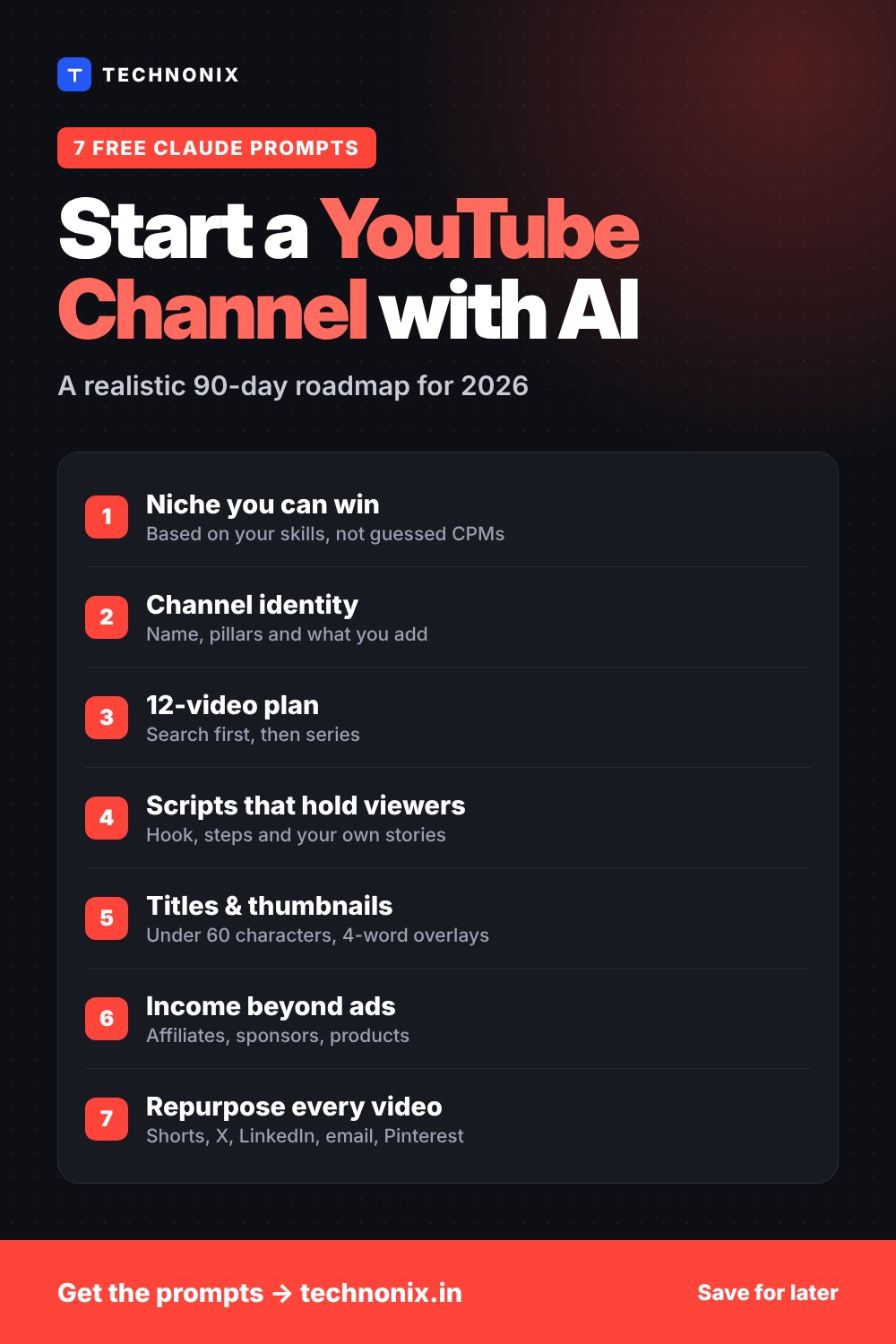
Prompt 1: Choose a Niche You Can Win
Viral threads ask AI for “the highest-CPM niches”. Claude does not have live CPM data, so it will guess. This version starts from what you know and uses real search data you collect yourself.
Act as a YouTube strategist. I want to start a channel and can upload [number] videos per week.
About me: [your skills, job, hobbies and experience]
My audience location: [US / India / global]
Here are YouTube search suggestions and popular videos I found for 3 topic ideas: [paste titles, view counts and upload dates]

For each topic, tell me:
1. Who the viewer is and what problem they want solved
2. Whether the topic is evergreen or trend-based
3. Ways to earn beyond ads (affiliate products, services, digital products, sponsors)
4. What I can add that AI-only channels cannot (experience, tests, opinions, local knowledge)
5. One risk for a beginner
Recommend the best topic for me and explain why in 3 sentences. Do not invent statistics; tell me what I should verify myself.
Tip: Choose a niche where you have real experience or access. It is far easier to make original videos about something you actually do.
Prompt 2: Build Your Channel Identity
A clear identity makes every title, thumbnail and script easier. It also answers the question YouTube’s reviewers ask: what does this creator add?
I am starting a YouTube channel about [niche] for [target viewer].
Create:
1. 5 channel name ideas (short, easy to spell, available-sounding)
2. A one-line tagline
3. A viewer persona: age, goal, biggest frustration, what they watch now
4. 4 content pillars (recurring video types)
5. My "originality statement": 2 sentences on what I personally add in every video that a template or AI-only channel cannot
6. A channel description under 1,000 characters with my main keywords
Tip: Search YouTube, Instagram and Google for your favorite name before you decide, and check that the handle is free.
Prompt 3: Plan Your First 12 Videos
Planning 12 videos up front removes the “what should I post?” problem and lets you build a series instead of random uploads.
Build a 90-day plan for a new YouTube channel about [niche] for [target viewer]. I can publish [number] long videos and [number] Shorts per week.
Give me:
1. 12 long video ideas with search-friendly working titles, grouped into 2 or 3 series
2. For each: is it mainly for search (how-to, comparisons) or for browse and suggested (stories, opinions, challenges)?
3. The best order to publish them so each video leads to the next
4. 2 Shorts ideas cut from each long video
5. A simple weekly schedule I can actually keep
Tip: Make your first videos search-based (how-to, beginner guides, comparisons). New channels get found through search long before the algorithm recommends them.
Prompt 4: Write a Script That Keeps Viewers Watching
A strong structure keeps people watching, and your own stories and examples are what make the video original.
Write a YouTube script for "" for [target viewer]. Length: about [number] minutes.
Structure:
1. Hook (first 15 seconds): show the result or the problem, no long intro
2. Why this matters to the viewer
3. The main steps or points, each with an example
4. [PERSONAL] markers where I should add my own experience, test results or screen recording
5. A short recap and one clear call to action
6. An end-screen line that sets up my next video: "[next video title]"
Write in a natural, spoken style with short sentences. List every factual claim I should double-check before recording.
Tip: Read the script out loud before you record and rewrite anything that does not sound like you. Never publish facts you have not checked.
Prompt 5: Create Titles, Thumbnails and Descriptions
Your title and thumbnail decide whether anyone clicks. YouTube Studio lets eligible channels test up to 3 titles or thumbnails against each other, so ask for variations.
For my video "[working title]" about [topic] for [target viewer], create:
1. 5 title options under 60 characters, with the main keyword near the start
2. 3 thumbnail concepts: the main image, facial expression or object, and text overlay of 4 words or fewer
3. A description: 2-sentence summary with the main keyword, timestamps based on this outline [paste outline], and placeholders for links
4. 3 pinned comment ideas that invite replies
Make the title and thumbnail promise exactly what the video delivers. No clickbait.
Tip: Design thumbnails in Canva at 1280 × 720 pixels and check that the text is readable on a phone screen.
Prompt 6: Plan Income Beyond AdSense
Ad revenue takes time to unlock, and ad rates vary a lot by country. Affiliate links, sponsors and your own products can start earning earlier.
My YouTube channel is about [niche] for [target viewer], with [number] subscribers and about [number] views per video. Most viewers are in [country].
Create a simple income plan:
1. 5 affiliate product types that fit my niche and how to mention them honestly in a video
2. 2 digital product or service ideas I could sell
3. A short sponsorship pitch email I can send to small brands
4. A free lead magnet to build an email list
5. What to focus on first at my current size, and what to wait for
Remind me which disclosures I need for sponsored and affiliate content.
Tip: When a video includes paid promotion, tick the paid promotion box in YouTube Studio and mention it in the video, as YouTube’s ad policies require.
Prompt 7: Repurpose Every Video
One long video can feed your Shorts, social media and email list for a week. This multiplies your reach without making more long videos.
Here is the transcript of my YouTube video: [paste transcript]
Repurpose it into:
1. 3 YouTube Shorts scripts under 45 seconds, each with a different hook
2. An X (Twitter) thread of 6 posts
3. A LinkedIn post
4. A short email newsletter
5. A Pinterest pin title and description
Keep my voice and examples. Tell me which 2 platforms to focus on for [niche] and why.
Tip: Post the Shorts a few days after the long video and link them to it with YouTube’s related video feature, so Shorts viewers can find the full video.
A Realistic 90-Day Roadmap
Ninety days is enough to build a channel properly, not to guarantee income. Here is a plan most beginners can keep, using the Claude prompts for YouTube from above:
| Days | Focus | Use prompts |
|---|---|---|
| 1 to 14 | Pick your niche, set up the channel, record and publish your first 2 videos | 1, 2, 3 |
| 15 to 45 | Publish 1 or 2 long videos a week plus Shorts; improve your hooks | 4, 5, 7 |
| 46 to 75 | Check YouTube Analytics: double down on the videos people search for and finish | 3, 5 |
| 76 to 90 | Add affiliate links, plan the next 12 videos, review what you learned | 6, 3 |
By day 90 you should have 12 or more long videos, a clear sense of what your audience wants, and your first non-ad income options in place. Ad revenue comes when you reach the Partner Program thresholds, which for most beginners takes longer.
US vs India: What to Expect from Earnings
Advertisers pay very different amounts depending on the viewer’s country and the topic. Viewers in the US usually earn creators much more per 1,000 views than viewers in India, and topics like finance, software and business usually pay more than entertainment. That is why Prompt 6 in our Claude prompts for YouTube focuses on income beyond ads.
- Creators in the US: ad revenue can become meaningful once you are monetized, but sponsorships and affiliate links often earn more for small channels.
- Creators in India: many successful creators make English videos for a global audience, or combine Hindi and regional-language videos with affiliate links, brand deals and their own services.
- Everyone: ignore “average CPM” lists in viral threads. Your real numbers appear in YouTube Analytics as RPM (revenue per 1,000 views) once you are in the Partner Program.
Mistakes That Get AI Channels Demonetized
These Claude prompts for YouTube are built to help you avoid the most common reasons AI-assisted channels lose monetization:
- Faceless slideshows with AI narration over stock footage and no real commentary.
- Uploading many near-identical videos from the same template every day.
- AI “expert” presenters giving money, legal or health advice.
- Realistic AI scenes or fake people without the disclosure label.
- Copying other creators’ scripts or re-uploading clips without adding commentary or analysis.
- Trusting AI facts without checking them, which hurts viewer trust even when it does not break a policy.
Frequently Asked Questions
Can you make money with an AI YouTube channel?
Yes, if AI helps you make original, useful videos. YouTube monetizes AI-assisted content that shows your creative input, but it does not monetize mass-produced or template-based AI videos.
Does YouTube demonetize AI content?
Not automatically. Under its inauthentic content policy, YouTube refuses ads on repetitive, mass-produced or template-style content, whether or not AI made it. Using AI for scripts, editing or visuals is allowed when the final video adds real value.
Do I have to tell viewers I used AI?
Only for realistic altered or synthetic content, such as a real person saying something they never said or a realistic event that never happened. Using AI for scripts, titles, thumbnails or captions does not need a label.
Can I use Claude for free for YouTube?
Yes. All 7 Claude prompts for YouTube in this guide work on Claude’s free plan, which has usage limits that reset every 5 hours and every week. The Pro plan gives more usage if you script many videos a week.
How long does it take to get monetized on YouTube?
It depends on your niche and consistency. You need 1,000 subscribers plus 4,000 watch hours in 12 months, or 10 million Shorts views in 90 days. Many beginners take longer than 90 days, so plan affiliate and sponsorship income alongside.
Start Your Channel This Week
Copy the first of these Claude prompts for YouTube into Claude today, then find the AI tools that fit the rest of your workflow.
Explore the AI Tools directory →
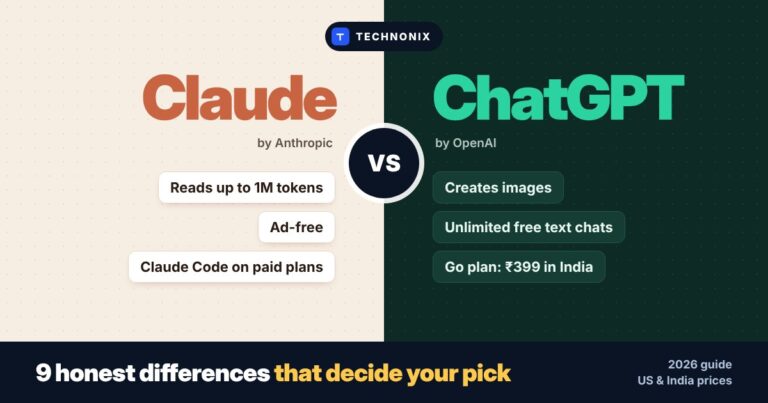
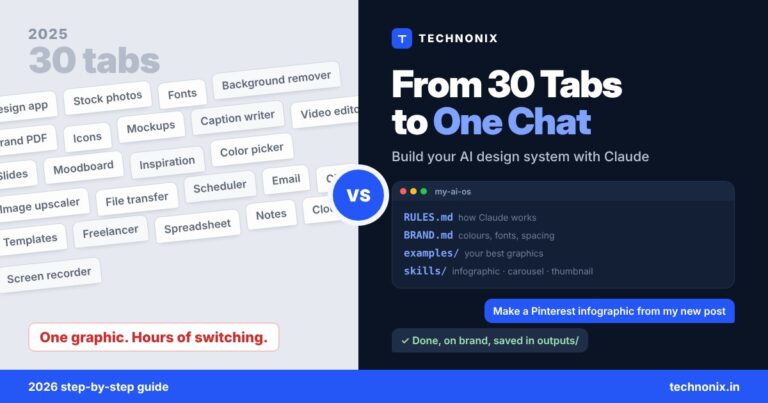
More Claude guides: Claude prompts for web design, AI design workflow and Claude vs ChatGPT.
Last reviewed November 14, 2026. Monetization rules come from YouTube’s official Partner Program, monetization policy and AI disclosure help pages. YouTube updates these often, so check them before you apply.

Leave a comment